Logging In
Accessing the Portal
Open your browser and go to your CoreSync portal URL. You will see the login page.
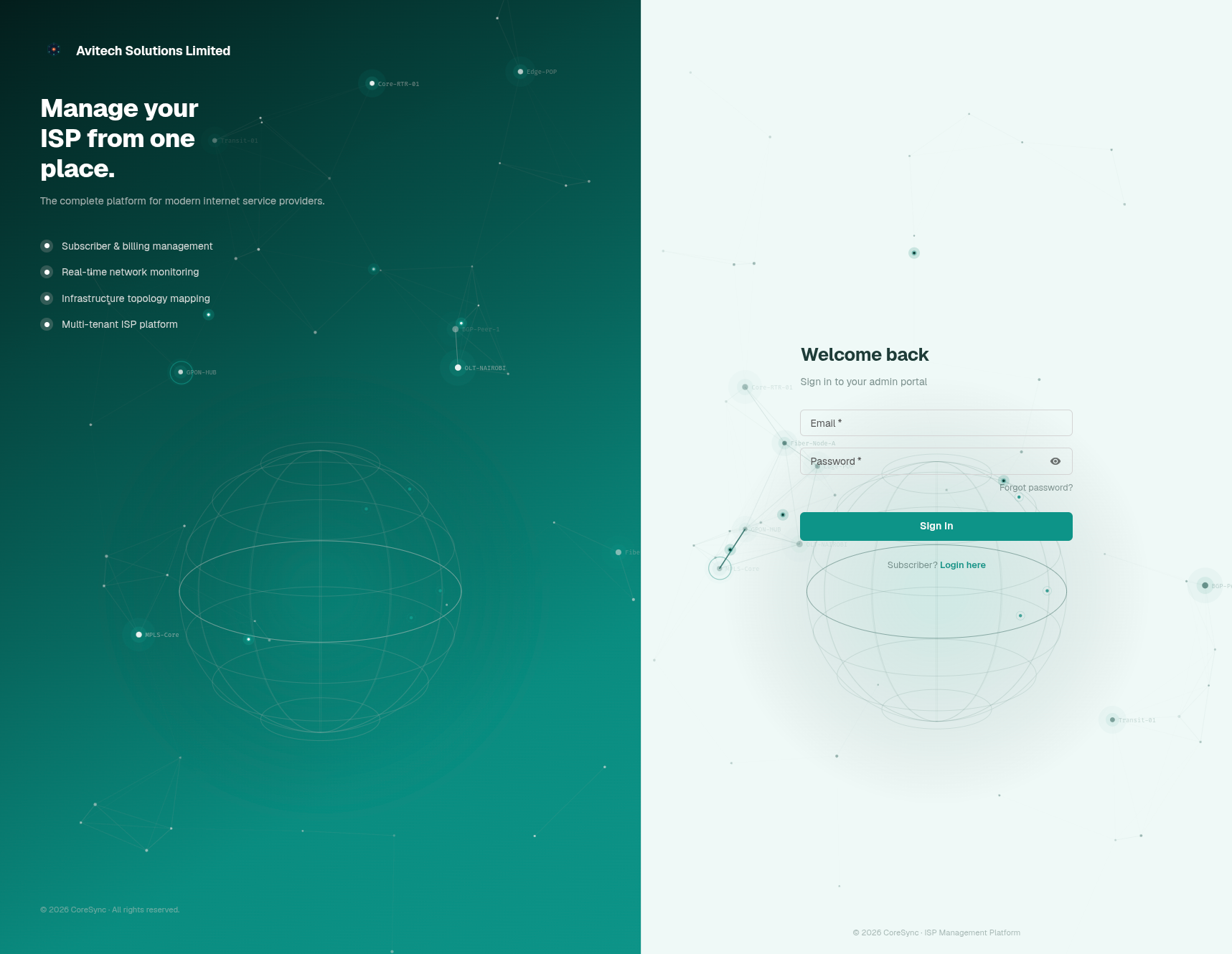
Login
| Field | What to enter |
|---|---|
| Email / Username | The email address or username assigned to your account |
| Password | Your account password |
Click Sign In.
Forgot your password?
Click Forgot Password on the login page. A reset link will be sent to your email.
The Dashboard
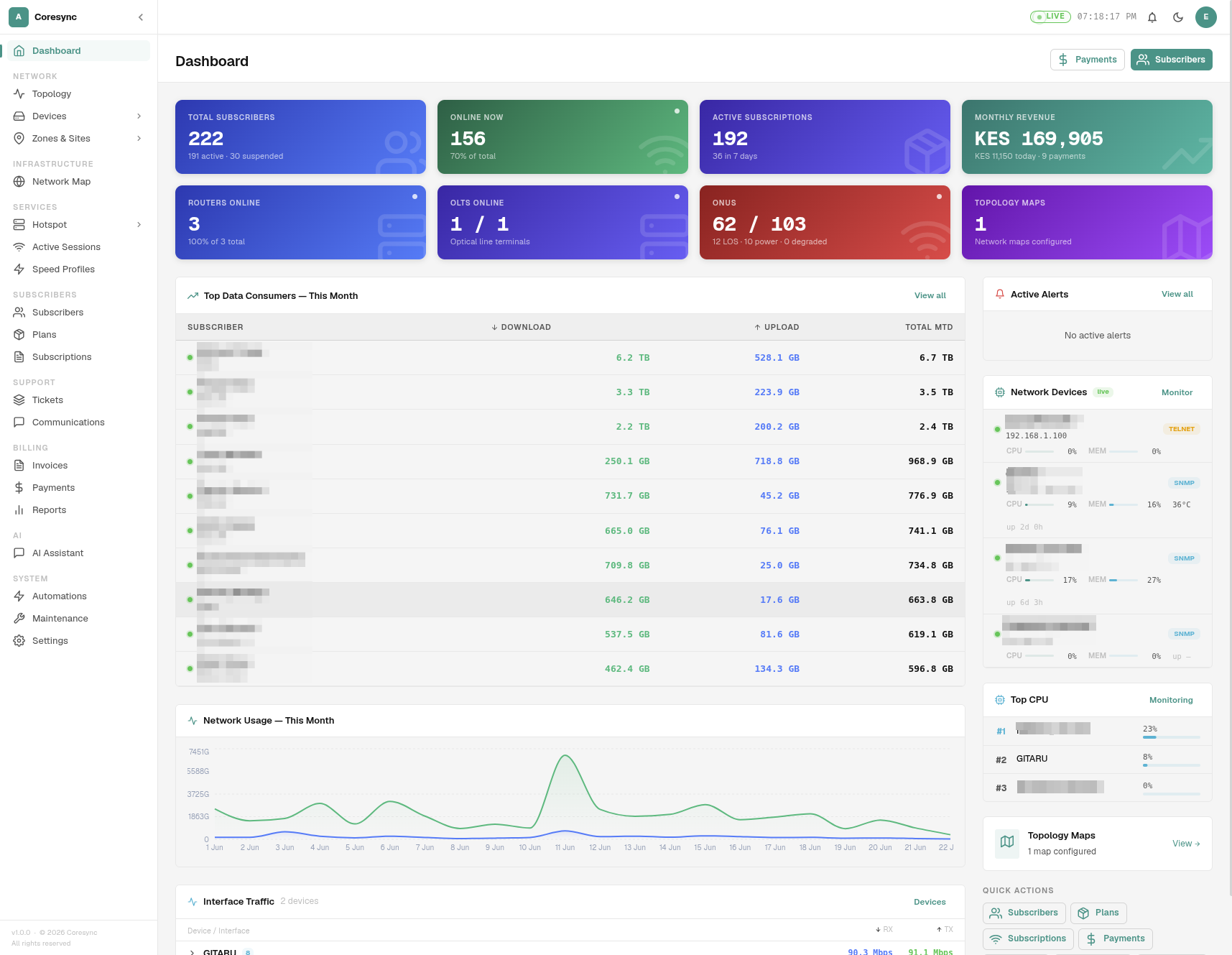
After logging in, you land on the Dashboard. It gives you a live summary of the system:
- Active subscribers — count and online/offline breakdown
- Revenue overview — today's collections, monthly recurring revenue
- Recent payments — latest transactions across all payment methods
- Device status — routers and NAS devices that are up or down
- Open tickets — unresolved support tickets requiring attention
First-Time Setup
If you are setting up the portal for a new tenant, see the Setup Guide for a step-by-step walkthrough covering speed profiles, zones, devices, IP pools, service plans, and importing subscribers.
Role-Based Access
What you see depends on your assigned role. If a section is missing, contact your system administrator.